> ## Documentation Index
> Fetch the complete documentation index at: https://cachet-claude-scheduled-incidents-maintenance-0mn6xo.mintlify.site/llms.txt
> Use this file to discover all available pages before exploring further.
# Theme
> Learn how to configure and theme Cachet.
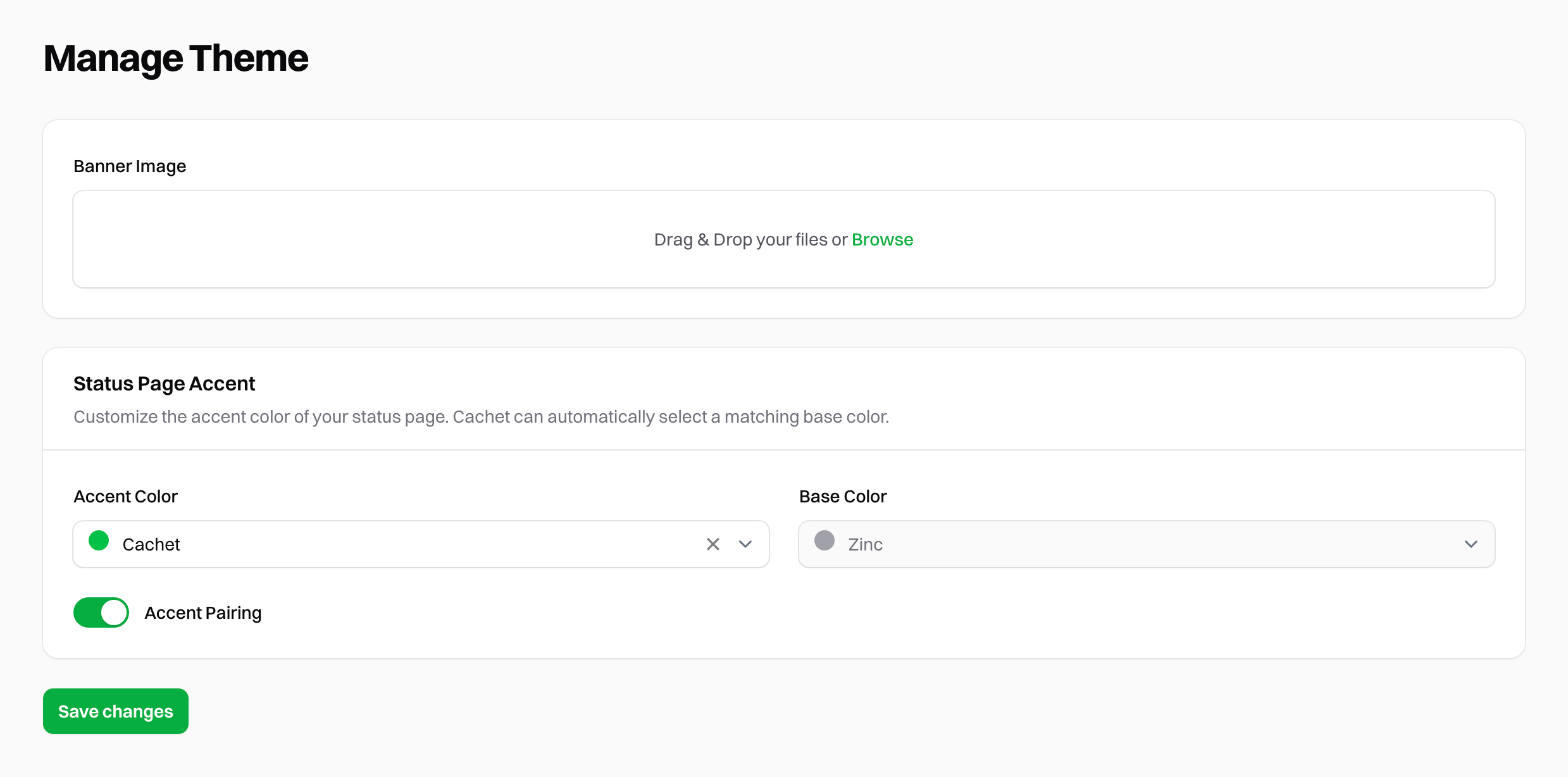
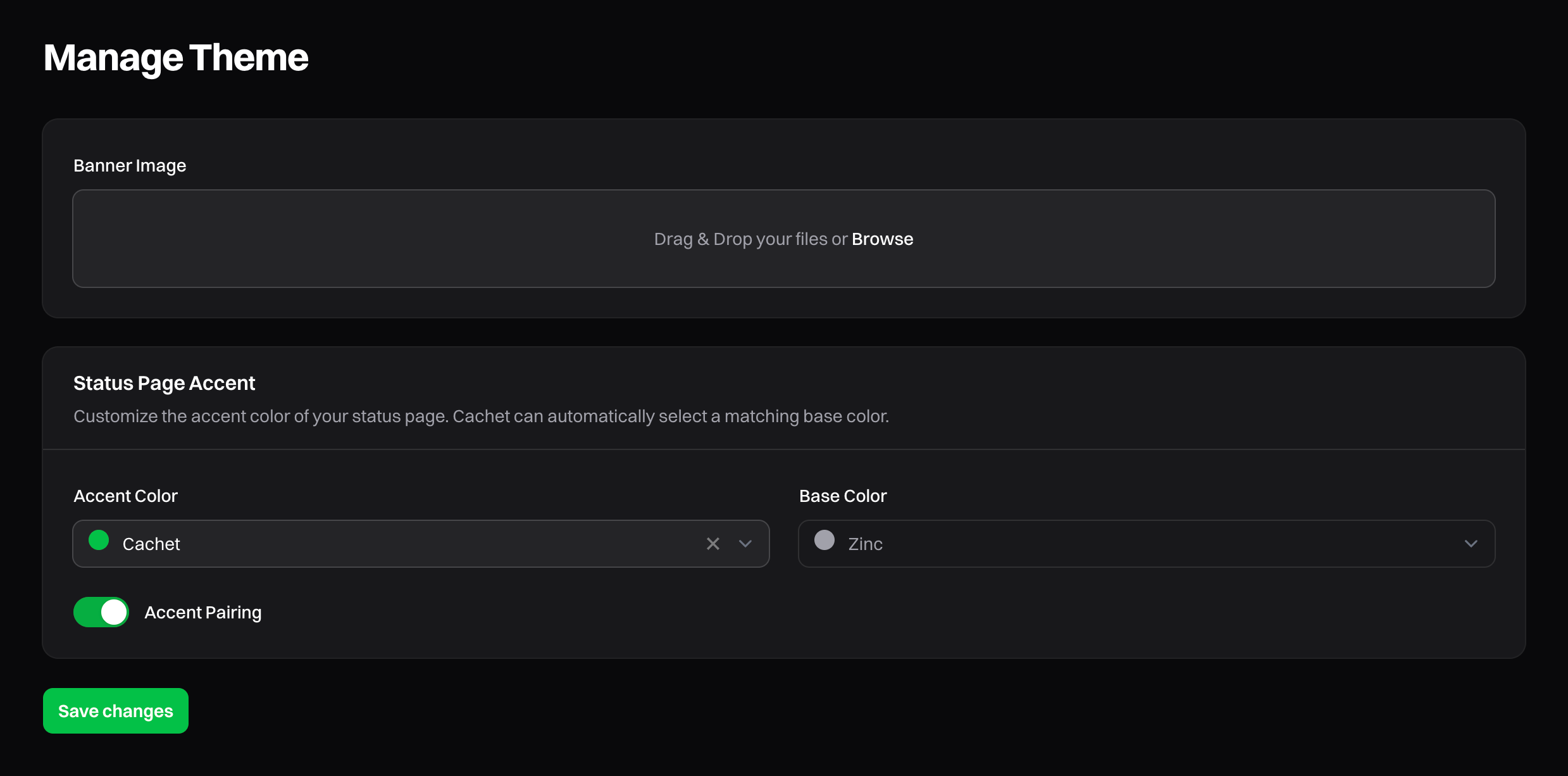
Cachet provides the ability to configure and theme the status page to match your brand. To customize your status page,
navigate to the "Manage Theme" section found under "Settings" in your Cachet dashboard.
## Banner image
To override the default banner image shown at the top of your status page, upload a custom image by dragging and dropping the file into the "Banner Image" field. Alternatively, you can click to select a file.
 We recommend using an image with a 16:9 aspect ratio for the best results.
Once you've uploaded your image, click the "Save" button to apply the changes.
By default, Cachet stores images in `/storage/app/public`. To make the image accessible to the public, you'll need to run the following command:
```bash theme={null}
php artisan storage:link
```
To use the default banner image, click the "X" button.
### Common issues
#### Uploading images returns a `401 Unauthorized`
You often see this error when running Cachet behind a reverse proxy. To resolve this, you'll need to add your trusted
proxy IPs to Cachet's `.env` file.
```dotenv theme={null}
# Replace with your reverse proxy IPs
CACHET_TRUSTED_PROXIES="192.168.1.1,192.168.1.2"
```
## Accents
Cachet provides a simple way to customize the colors of your status page through the use of accents. Accent colors
highlight important elements on the page, such as buttons and links.
By default, Cachet provides common Tailwind colors as accent options. You may choose from the following options:
* Cachet
* Red
* Orange
* Amber
* Yellow
* Lime
* Green
* Emerald
* Teal
* Cyan
* Sky
* Blue
* Indigo
* Violet
* Purple
* Fuchsia
* Pink
* Rose
By default, Cachet pairs your chosen accent color with a base color used for the status page background.
You can disable "Accent Pairing" and select your own background color from a list of Tailwind grays.
### Custom colors
To customize Cachet to your liking, we recommend using the [Customization](/v3.x/configuration/customization) panel and
configuring your own colors with CSS.
We recommend using an image with a 16:9 aspect ratio for the best results.
Once you've uploaded your image, click the "Save" button to apply the changes.
By default, Cachet stores images in `/storage/app/public`. To make the image accessible to the public, you'll need to run the following command:
```bash theme={null}
php artisan storage:link
```
To use the default banner image, click the "X" button.
### Common issues
#### Uploading images returns a `401 Unauthorized`
You often see this error when running Cachet behind a reverse proxy. To resolve this, you'll need to add your trusted
proxy IPs to Cachet's `.env` file.
```dotenv theme={null}
# Replace with your reverse proxy IPs
CACHET_TRUSTED_PROXIES="192.168.1.1,192.168.1.2"
```
## Accents
Cachet provides a simple way to customize the colors of your status page through the use of accents. Accent colors
highlight important elements on the page, such as buttons and links.
By default, Cachet provides common Tailwind colors as accent options. You may choose from the following options:
* Cachet
* Red
* Orange
* Amber
* Yellow
* Lime
* Green
* Emerald
* Teal
* Cyan
* Sky
* Blue
* Indigo
* Violet
* Purple
* Fuchsia
* Pink
* Rose
By default, Cachet pairs your chosen accent color with a base color used for the status page background.
You can disable "Accent Pairing" and select your own background color from a list of Tailwind grays.
### Custom colors
To customize Cachet to your liking, we recommend using the [Customization](/v3.x/configuration/customization) panel and
configuring your own colors with CSS.